Glow Spin
A rhythm-and-reflex game built around timing and progressive challenge.
Explore Glow Spin
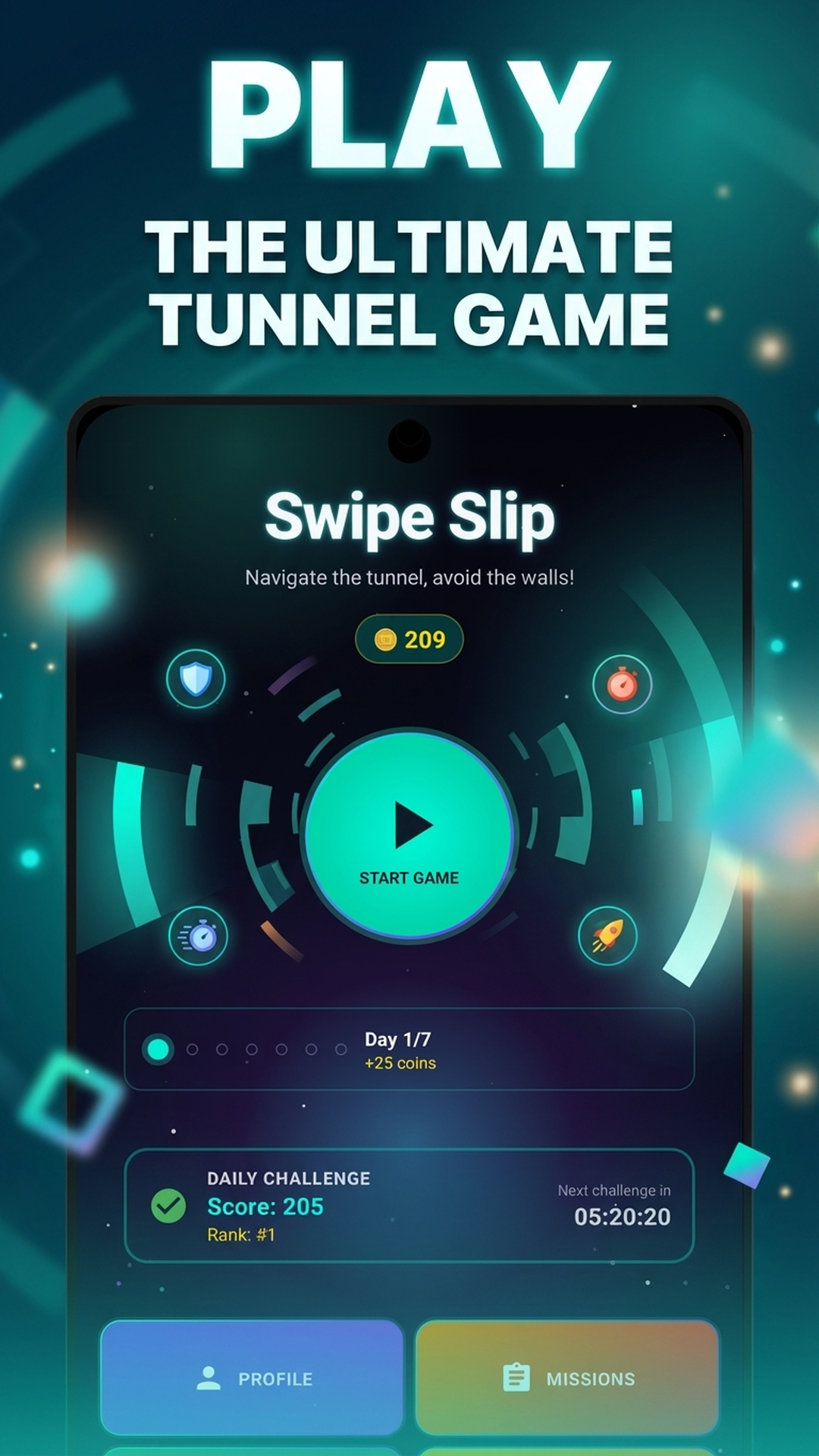
Tap to change direction, read the tunnel, and clear 200 progressive levels.
200 progressive levels with changing obstacle patterns and pace.
Build your timing across a complete 200-level campaign as the tunnel asks for more precise decisions.
Moving Walls, Rotating Rings, and Speed Zones — each demands a different strategy. Master all three to survive.
Slow Motion, Double Score, and Shield use charges you manage during a run. Auto-Navigate is a separate collectible effect.
Three levels and one attempt per day. Take on a shared daily selection, then see how your score compares when connected.
Collect gameplay-earned resources, then personalise your ball, trail, tunnel skin, and theme as you play.
Sign in when you want cloud features and leaderboard participation, or enjoy the game as a guest.
Player guides
Explore practical guides for moving walls, rotating rings, speed changes, daily challenges, and the resources you collect on a run.
A polished tunnel experience from start to finish.
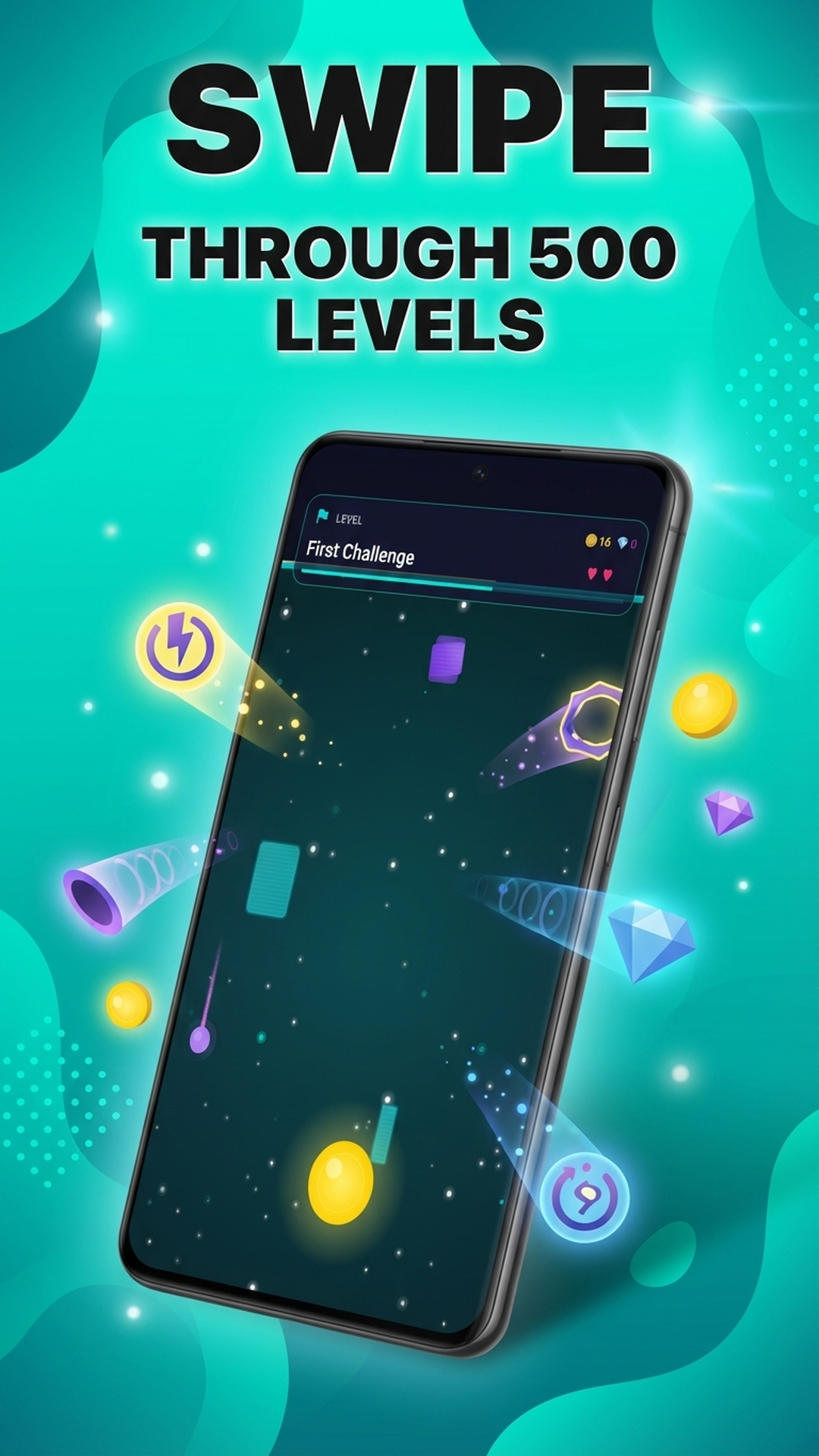
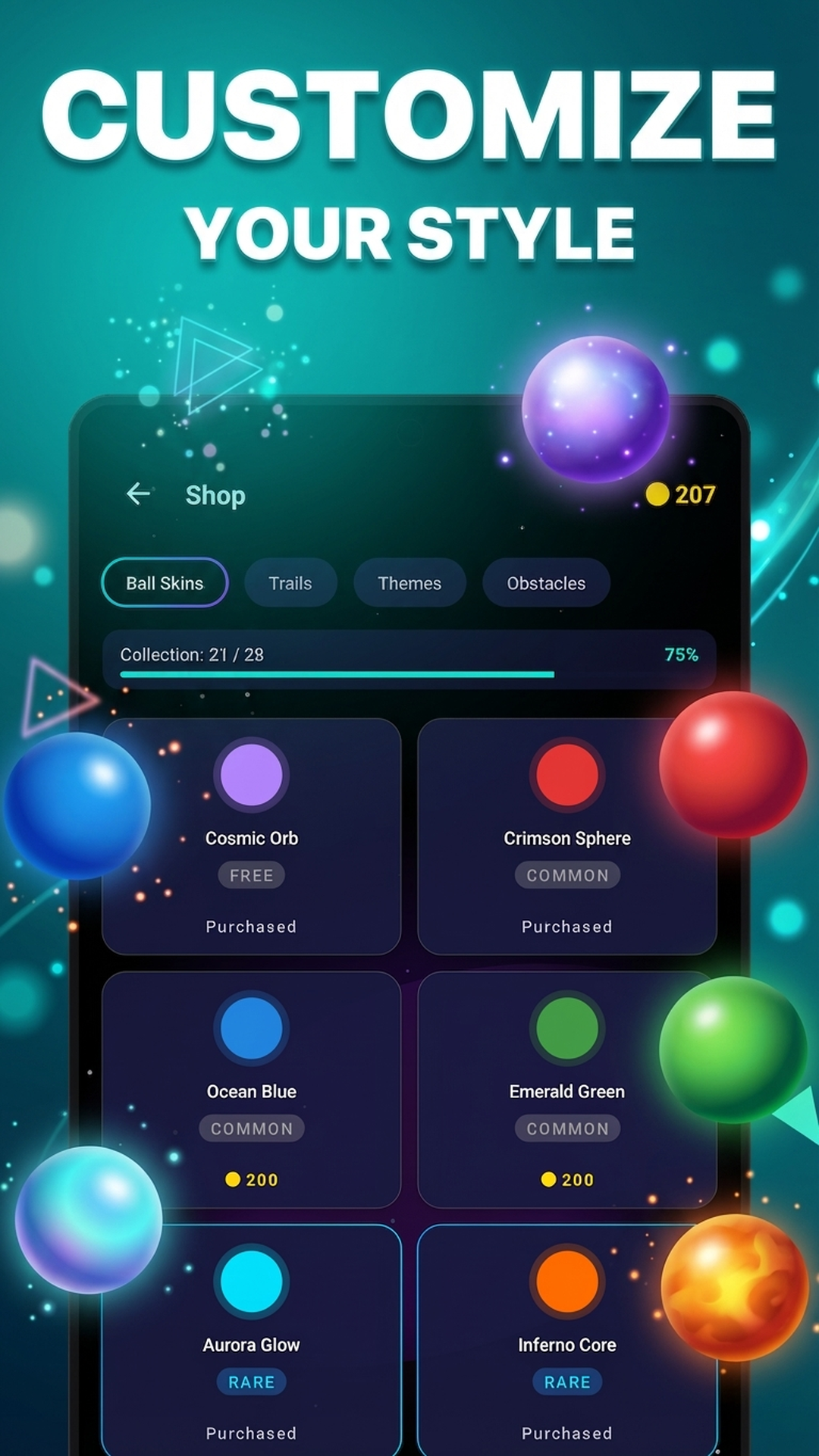
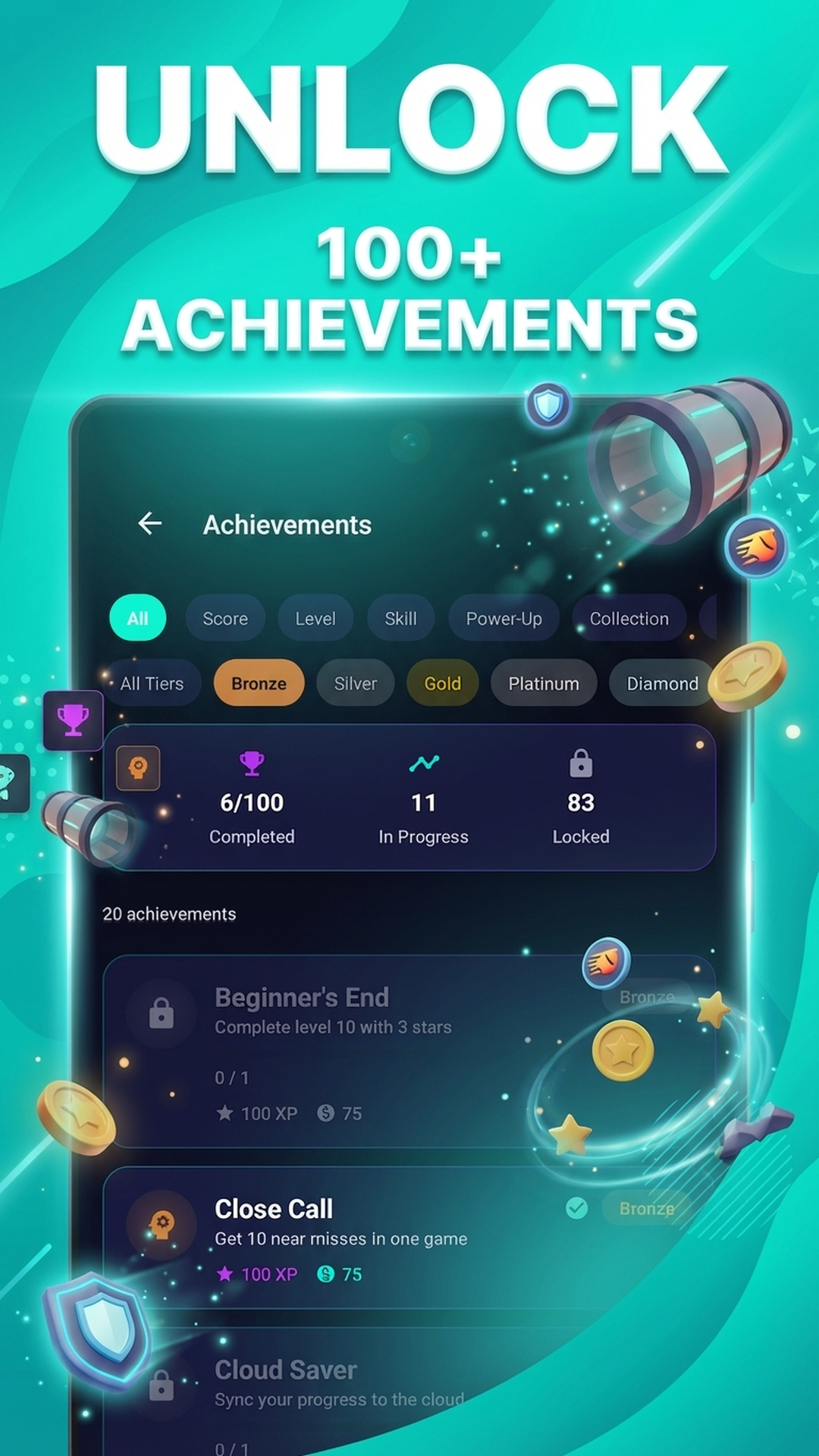
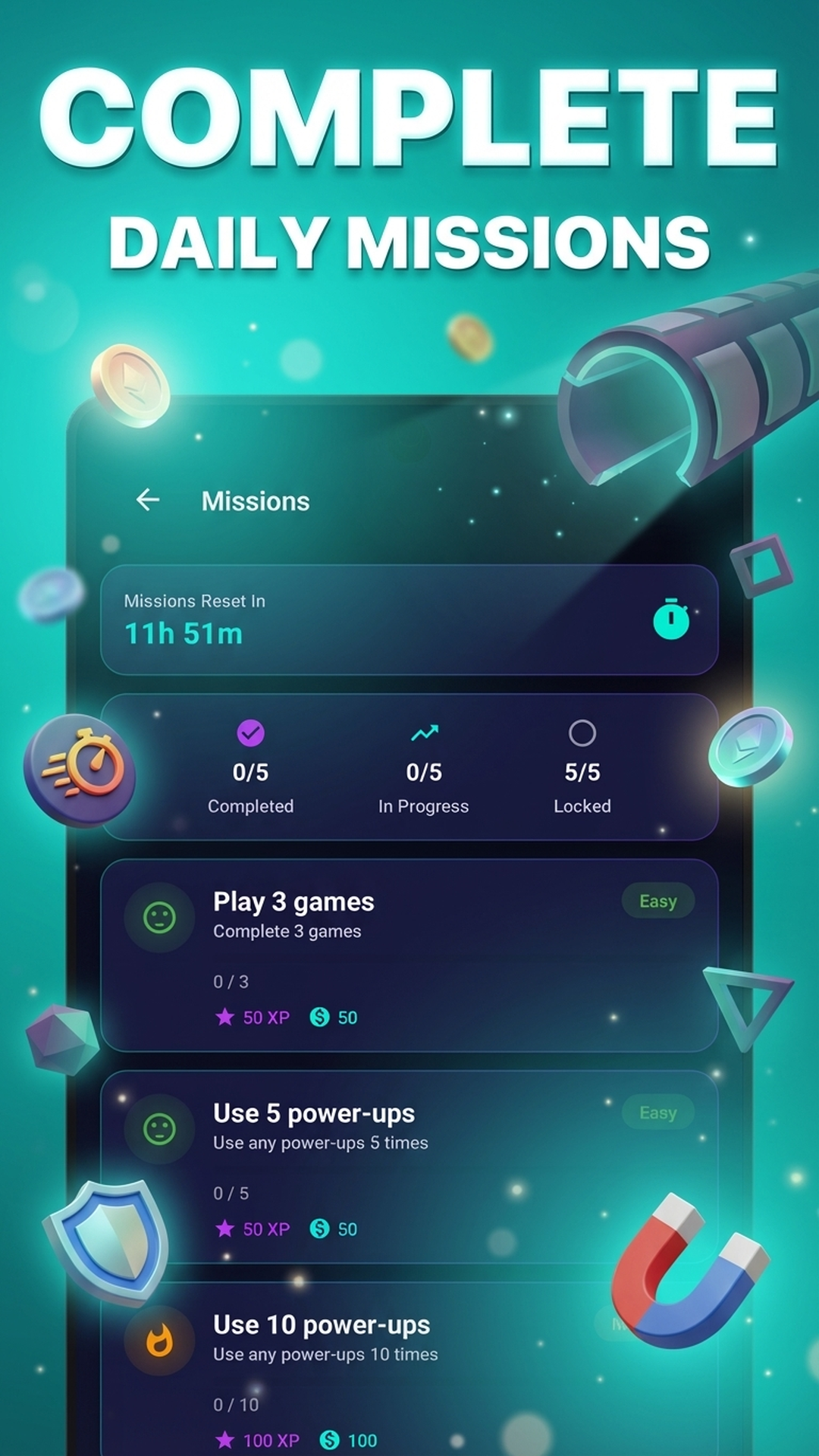
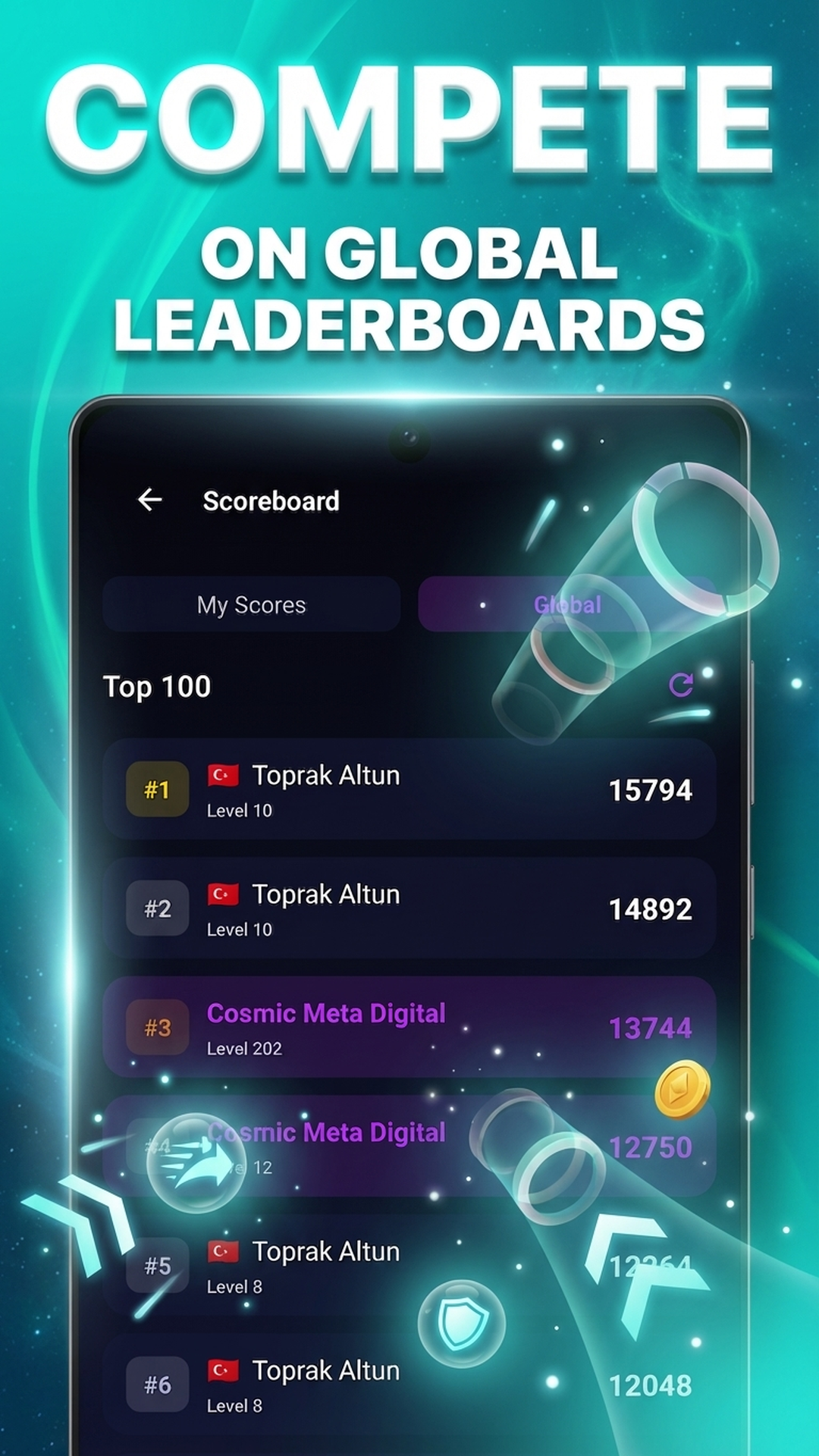
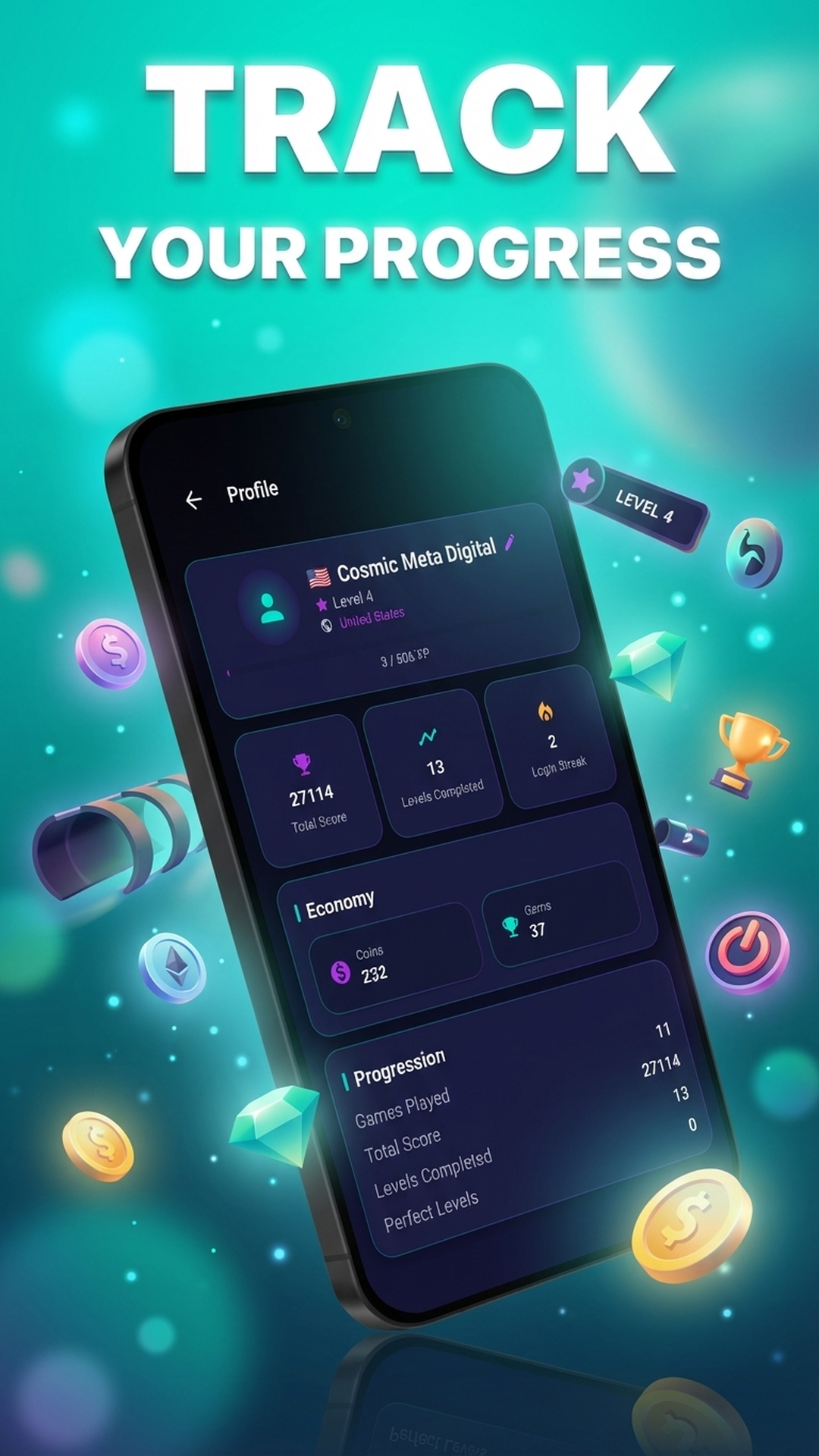
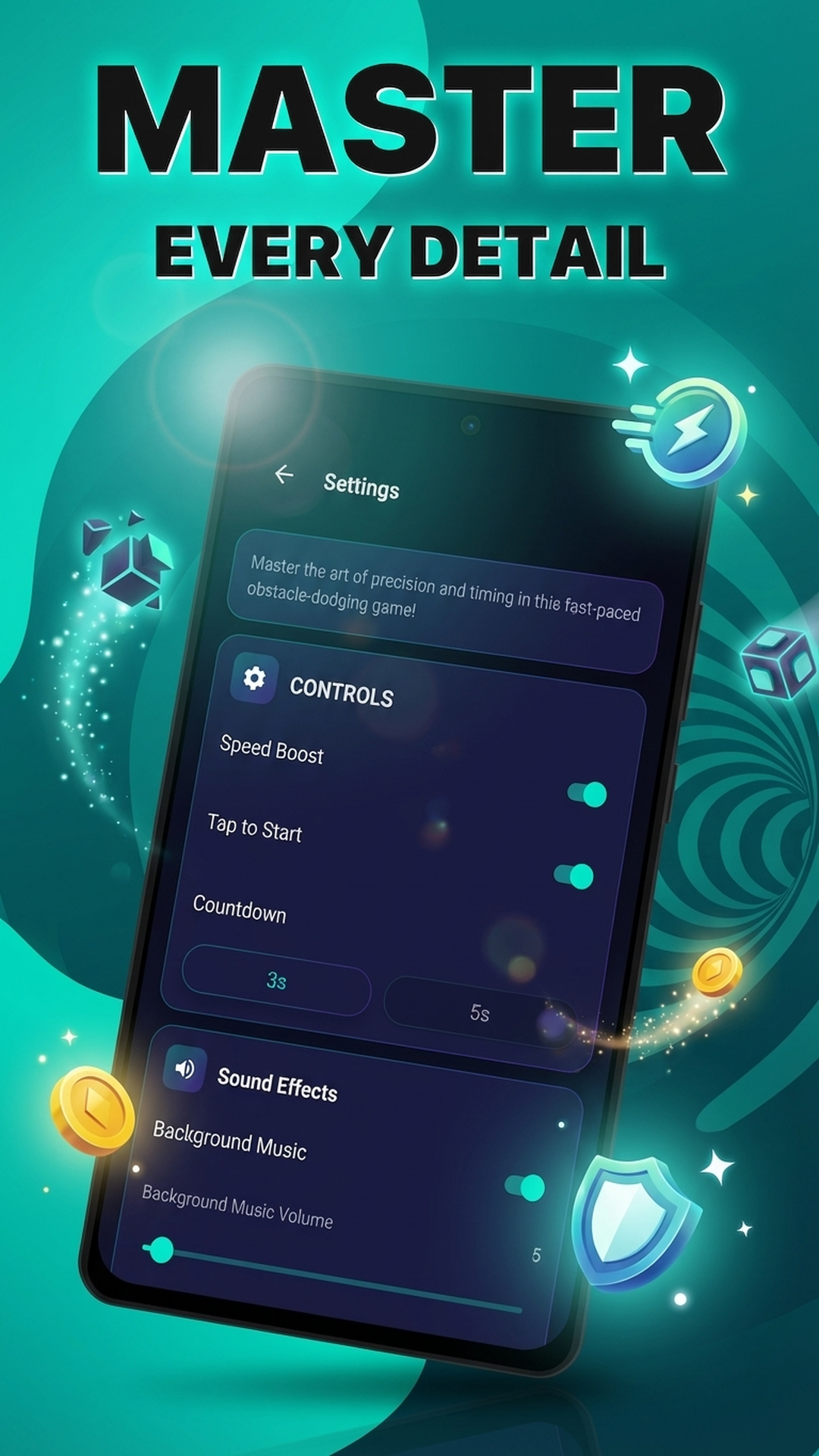
Tap to change direction, then read what the tunnel does next.
Tap to switch the ball's vertical direction. A long press can activate the optional speed boost when that control is enabled.
Read the walls, time your pass through rotating rings, and anticipate speed zone effects. One touch ends your run — stay focused.
Complete levels, earn gameplay resources, unlock cosmetics, and compare scores through optional connected features.
Frequently asked questions
Tap to change the ball's vertical direction. A press-and-hold boost is also available when that control is enabled. The getting-started guide explains the full first-run rhythm.
The campaign has 200 progressive levels. Later patterns ask for quicker recognition and tighter timing while keeping the same tap-to-change-direction control.
Yes. Swipe Slip supports both portrait and landscape play, so you can use the orientation that makes the tunnel most comfortable to read.
No. You can play as a guest. Sign-in is optional for connected features such as leaderboard participation.
Use the player guides for practical strategies and the glossary for quick definitions of obstacles, power-ups, resources, and progression terms.